






- Description
- Reviews (0)
Description
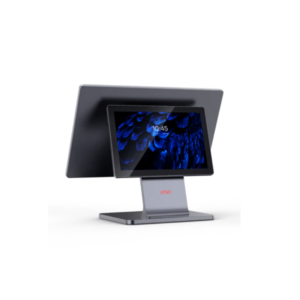
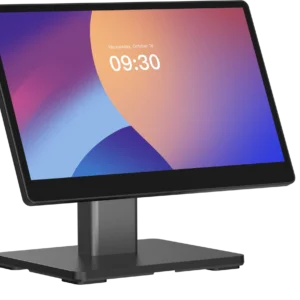
iMin Swan 1K Gen 2 — 15.6″ Android Kitchen Display (KDS)
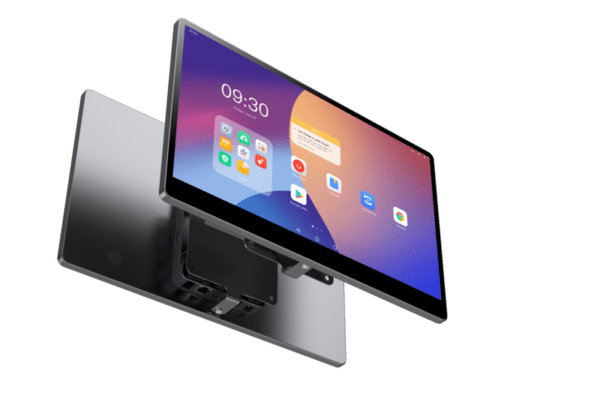
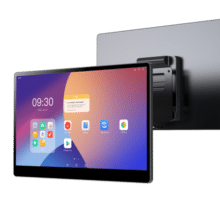
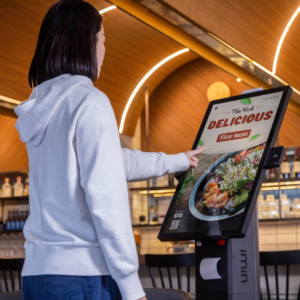
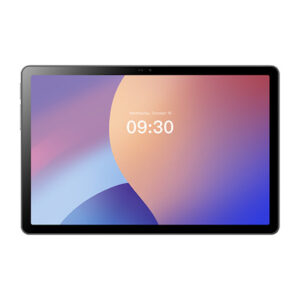
A kitchen that runs on paper tickets loses orders to splashes, bad printer ribbons and tickets that slide off the rail. The iMin Swan 1K Gen 2 puts the order on a screen at the pass instead. A 15.6-inch Full HD display shows incoming orders from your POS or KDS app as they arrive, so cooks can see what’s next, what’s late and what’s been changed without waiting for a printer.
A big screen for a busy pass
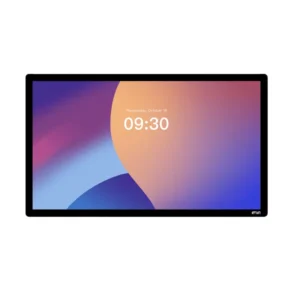
At 15.6 inches and 1920 x 1080, there’s room to show several tickets at once with readable type, instead of squeezing each one into a corner. Your KDS software decides the layout, and the hardware gives it enough space to work with. A touchscreen lets staff bump, recall or reprioritise orders directly on the display.
Android 13 with Google Mobile Services
The Gen 2 runs Android 13 on an octa-core 2.0GHz processor with 4GB of RAM and 64GB of storage. That’s enough to run a KDS app alongside a POS integration without stalls when orders spike. Google Mobile Services are included, so Play Store apps install normally and standard device-management tools work as expected. Android 13 is a current release, which matters when you’re buying a screen that has to stay in service for years.
Connectivity for a networked kitchen
Wi-Fi 6 and Bluetooth cover wireless operation, so a display can join your existing network without a cable pulled through the kitchen. A wired Ethernet connection is listed for the Swan 1K family, which is the safer choice for a screen that must never drop an order during service. NFC is also listed on this model.
Ports for the rest of the kitchen
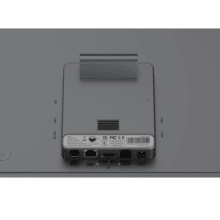
The Swan 1K family lists a full set of I/O: four USB Type-A ports, RJ11 and RJ12 ports, an RJ45 Ethernet port, a DC-in port and an audio jack. That gives you ways to connect peripherals and wired network gear, and an audio output for order alerts (check the exact port set on Gen 2, see the notes at the end).
Mounts where you need it
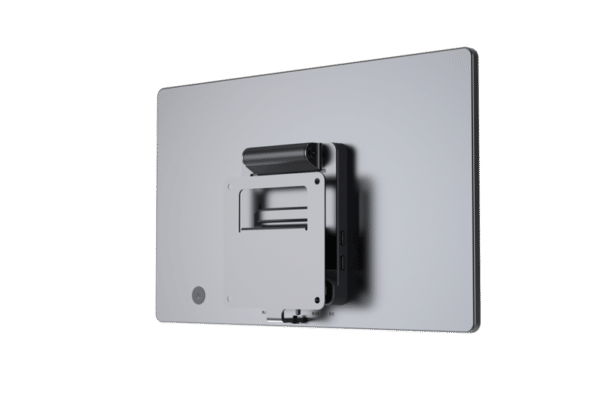
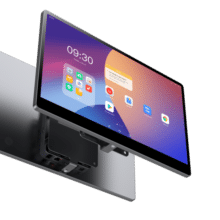
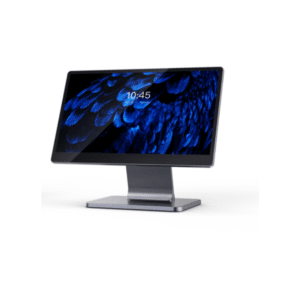
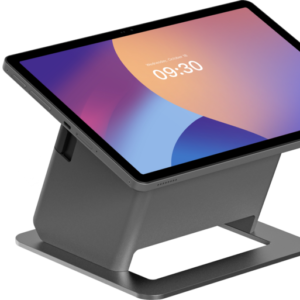
The slim design suits wall mounting above the pass or on a counter, which keeps cooks’ workstations clear. Because kitchens differ, confirm the mounting pattern with your supplier before you order brackets.
Who it suits
- Restaurants: order tickets at the pass and each prep station
- Cafés: a single screen replacing a clip rail of paper tickets
- Quick-service outlets: a fast-moving ticket queue for the line
- Takeaways: clear order display during delivery and collection peaks





Reviews
There are no reviews yet.